AI LinkedIn profile picture
A clear, professional photo makes a LinkedIn profile more trustworthy and easier to recognise. ProfileCreator turns a selfie into a studio-style headshot with clean lighting and a neutral backdrop, in a few minutes and without booking a photographer.
Upload a selfieFrom $2. No subscription.
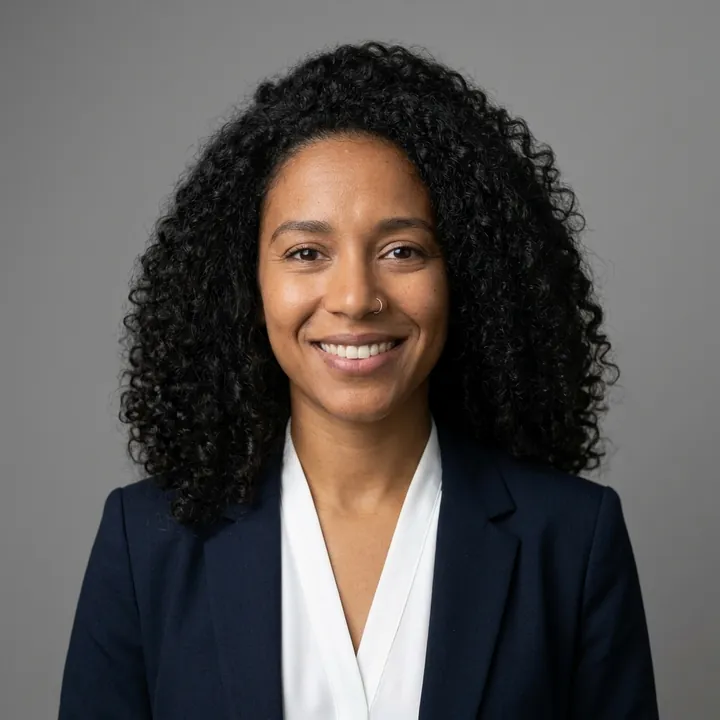
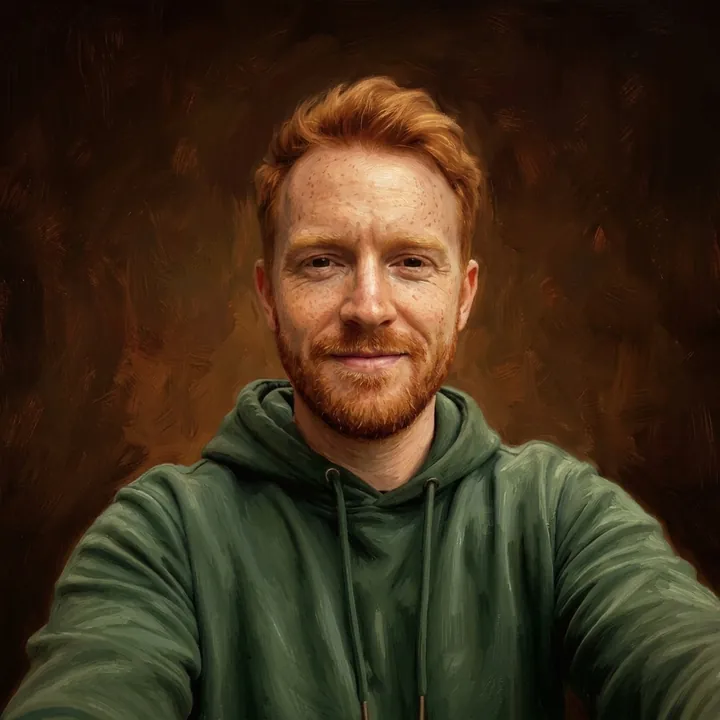
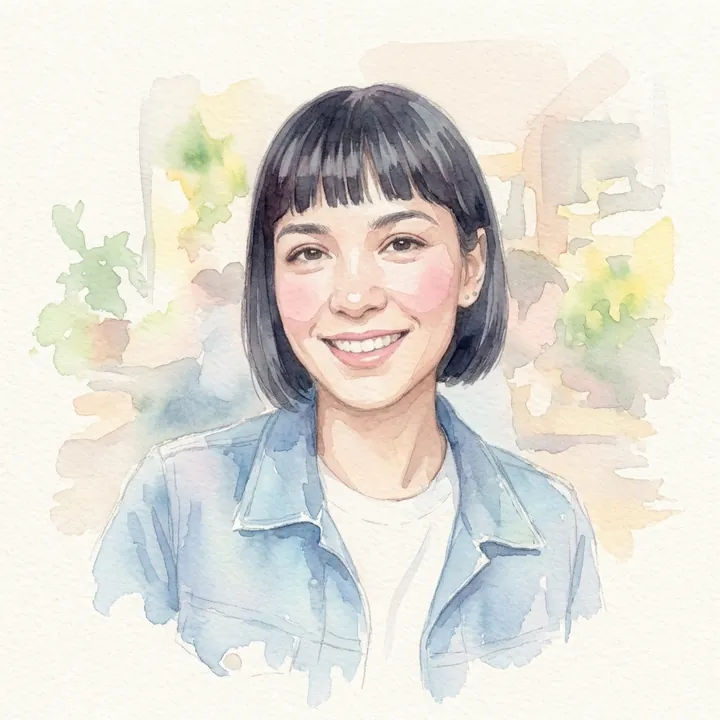
Best styles for LinkedIn
Tips for a great LinkedIn profile picture
- Choose the professional style for recruiters and clients.
- Pick the variation where your expression is friendly and your eyes are clear.
- Your face should fill most of the frame, since LinkedIn shows profile pictures as a circle.
- Use the same picture on your CV, email signature and company page for a consistent personal brand.
Questions
Is it OK to use an AI headshot on LinkedIn?
Many people do. Choose a result that genuinely looks like you, so people recognise you when you meet.
What size is a LinkedIn profile picture?
ProfileCreator pictures are 1024 × 1024 pixels, which is larger than LinkedIn needs, so they stay sharp after LinkedIn crops them to a circle.